

Hey AI family 👋
It’s Friday — and somehow January felt like three months packed into one. This week, the big shift everyone’s talking about isn’t a shiny new app. It’s how AI is quietly moving from “cool trick” to “actual behind-the-scenes helper” in ways that actually matter for real life.
Here’s your 10-minute read so you can get back to whatever (or whoever) needs you 👇
🚀 THIS WEEK’S AI STORY SUMMARIES
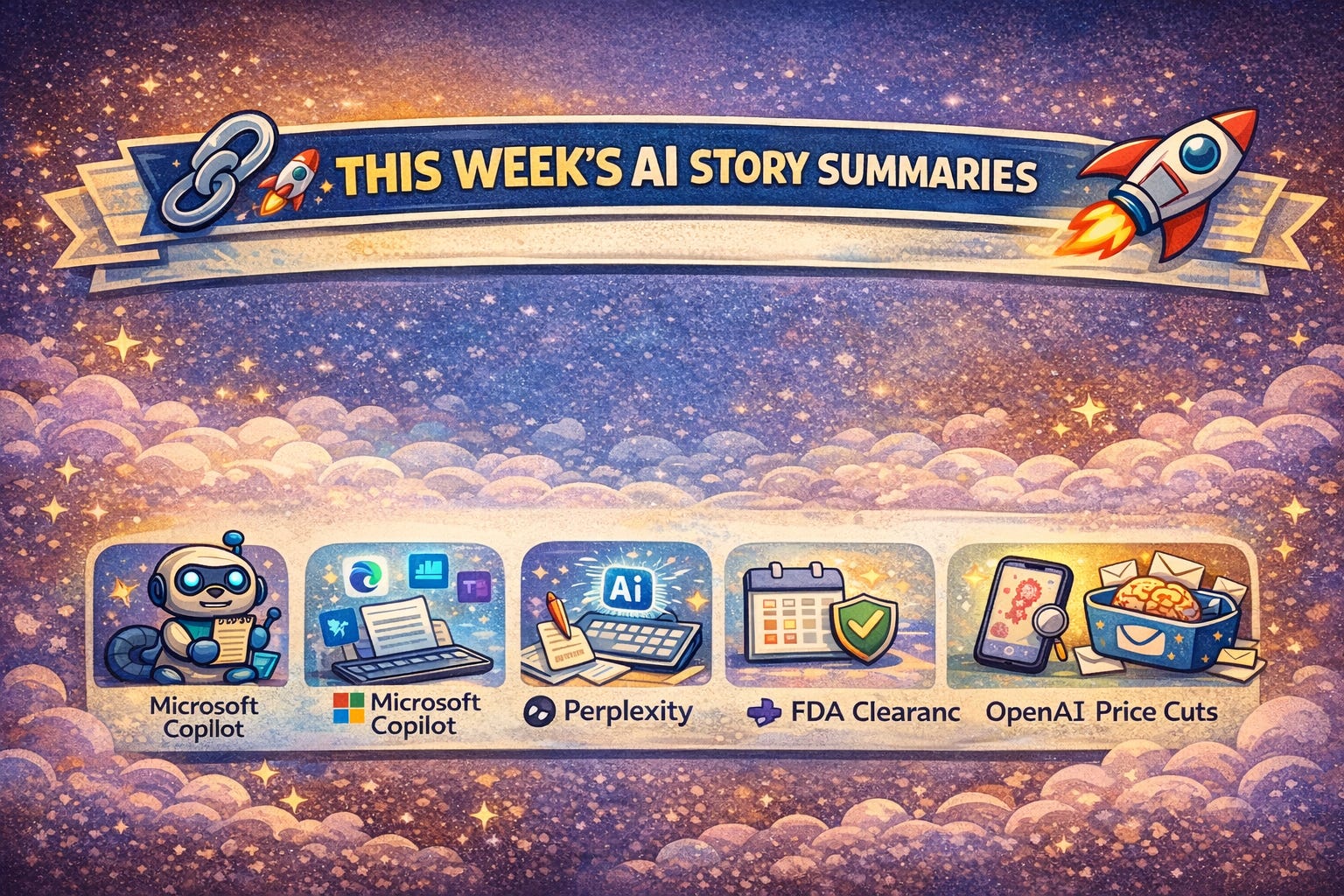
🤖 Microsoft Copilot Gets a Memory
Microsoft rolled out a long-term memory feature for Copilot this week. Now it can remember things you told it last week — like your kid’s soccer schedule, your dietary preferences, or that you’re allergic to shellfish. It pulls this across Word, Edge, and Team chats so it actually feels like one assistant, not five random bots.
Why it matters for you:
- You won’t have to repeat “I’m vegetarian” every time you ask for dinner ideas
- The trade-off: Microsoft stores more of your data, so check what’s being remembered
- This is the first big player making AI continuity feel real, not just marketing fluff
📱 Apple’s On-Device AI Quietly Levels Up
Nobody made a huge announcement, but developers noticed: Apple’s latest iOS 18.4 beta has way faster on-device AI. Siri suggestions are sharper. Photo search actually works. And the best part? Most of it runs on your phone, not in the cloud.
Why it matters for you:
- Your questions don’t leave your device — less worry about privacy
- Works when you’re on airplane mode or have spotty service
- Battery life hit is smaller than you’d expect — finally
🧠 Perplexity Launches “Pages” for Deep Research
Perplexity — the AI search engine that actually cites sources — now lets you create long-form “Pages.” Think of it like AI-assisted research documents. You pick a topic, it pulls info from across the web, organizes it, and gives you a shareable page you can edit.
Why it matters for you:
- Planning a home renovation? Ask Perplexity to build a “Page” on cost estimates, permits, and timeline
- Researching a health topic for your parents? Get cited, organized info in minutes instead of hours
- Great for side hustles: competitor research, market trends, whatever
🏥 FDA Clears First AI Diagnostic for Home Use
The FDA approved an AI-powered diagnostic tool that parents can use at home. It’s not a toy — it analyzes images of skin conditions through your phone camera and tells you if it’s “probably fine, monitor it” or “call a doctor now.” It’s meant for rashes, bites, minor skin stuff, not emergencies.
Why it matters for you:
- 3 AM “what is that rash” panic just got slightly less panicky
- It gives confidence intervals: “87% match to common eczema” not “it’s definitely X”
- Still needs a doctor for anything serious — this is triage, not treatment
💰 OpenAI Finally Talks About Lower Prices
This didn’t get headlines like a new model would, but OpenAI quietly announced plans for a “Lite” tier aimed at solopreneurs and small teams. Think 80% of the smarts for 40% of the cost. It’s supposed to roll out mid-February.
Why it matters for you:
- If you’ve been rationing your ChatGPT usage, this might fix that
- Competing tools (Claude, Gemini) will probably match or beat the pricing
- More of AI becomes a utility, not a luxury
🔗 Clickable Tool Picks
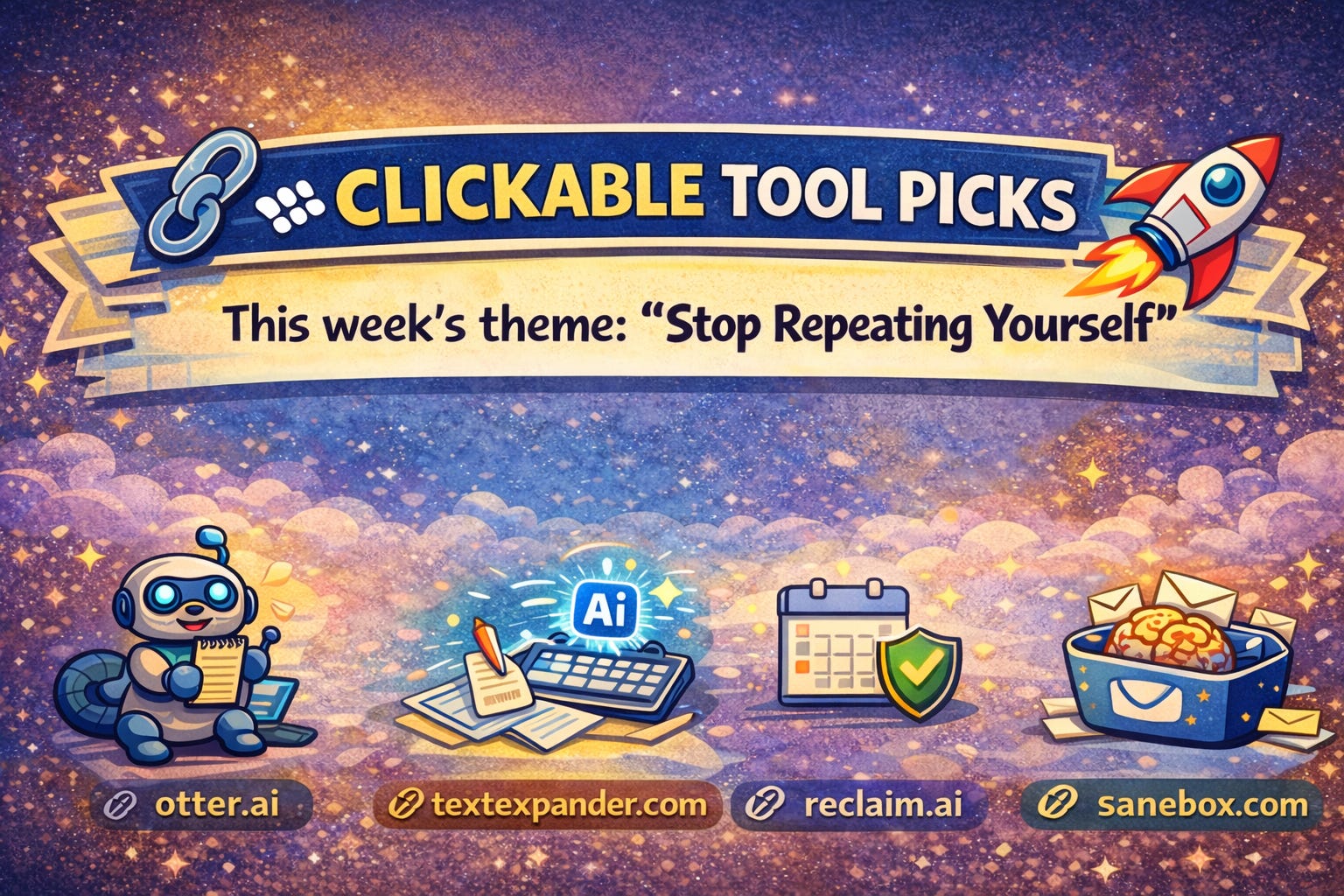
This week’s theme: “Stop Repeating Yourself”
Tools that remember, automate, or just handle the stuff you do on autopilot twice a day.
🗣️ Otter.ai Meeting Notes —
Records, transcribes, and summarizes your meetings. Pulls out action items automatically so you don’t have to re-watch recordings.
📝 TextExpander + AI —
Turns your most-typed phrases into shortcuts that adapt based on context.
📅 Reclaim.ai —
AI calendar that defends your focus time and reschedules meetings when conflicts pop up.
📧 SaneBox —
AI email sorting that learns what you actually open and buries the noise.
✨ AI DAD TIP OF THE WEEK

Pick one thing you explain twice a week.
Could be:
- How to submit an expense report at work
- Your preferred way to be contacted by clients
- The routine for pickup/dropoff with your co-parent
This weekend, spend 10 minutes creating a simple response or template in your notes app. Save it. Use it. Refine it.
You’re not being robotic — you’re freeing up mental RAM for things that actually need your brain.
🔮 Bonus Trend: AI That Works While You Sleep
A quiet shift happening: AI agents that don’t just answer questions, but run overnight.
- Drafting that report while you sleep
- Monitoring competitor prices and alerting you
- Summarizing your unread newsletters by 6 AM
Old workflow: “I’ll handle it tomorrow.”
New workflow: “I queued it up — it’ll be ready when I wake up.”
The catch: You have to trust it enough to let it run unsupervised. That’s a muscle worth building slowly.
👾 CLOSING CALL-TO-ACTION
Want the tool tutorials and workflows I don’t put in the newsletter?
Come hang in AI Skool — private community for parents and solopreneurs actually using AI, not just reading about it.
Real use cases, honest reviews, no hype.
Thanks for hanging with me this week — go do something offline this weekend 😄
From your buddy,